
Business software and websites built for practical growth
Organize operations and build a stronger digital presence
CRM, ERP and POS solutions plus professional websites and e-commerce stores that help businesses manage operations and reach customers more effectively.
Organize. Control. Grow.
Simpler management. Clearer decisions.
Replace scattered spreadsheets and disconnected tools with one organized workflow
See what is happening across sales, inventory and customer operations without waiting for manual reports.
Complete visibility
Bring sales, stock, customers and expenses into one view.
Faster decisions
Use live reports to identify issues and opportunities earlier.
Organized operations
Reduce duplicated work and give every team member clear access.
Choose the right system
Software that grows with your operation
Start with the system you need today, then expand as your business evolves.
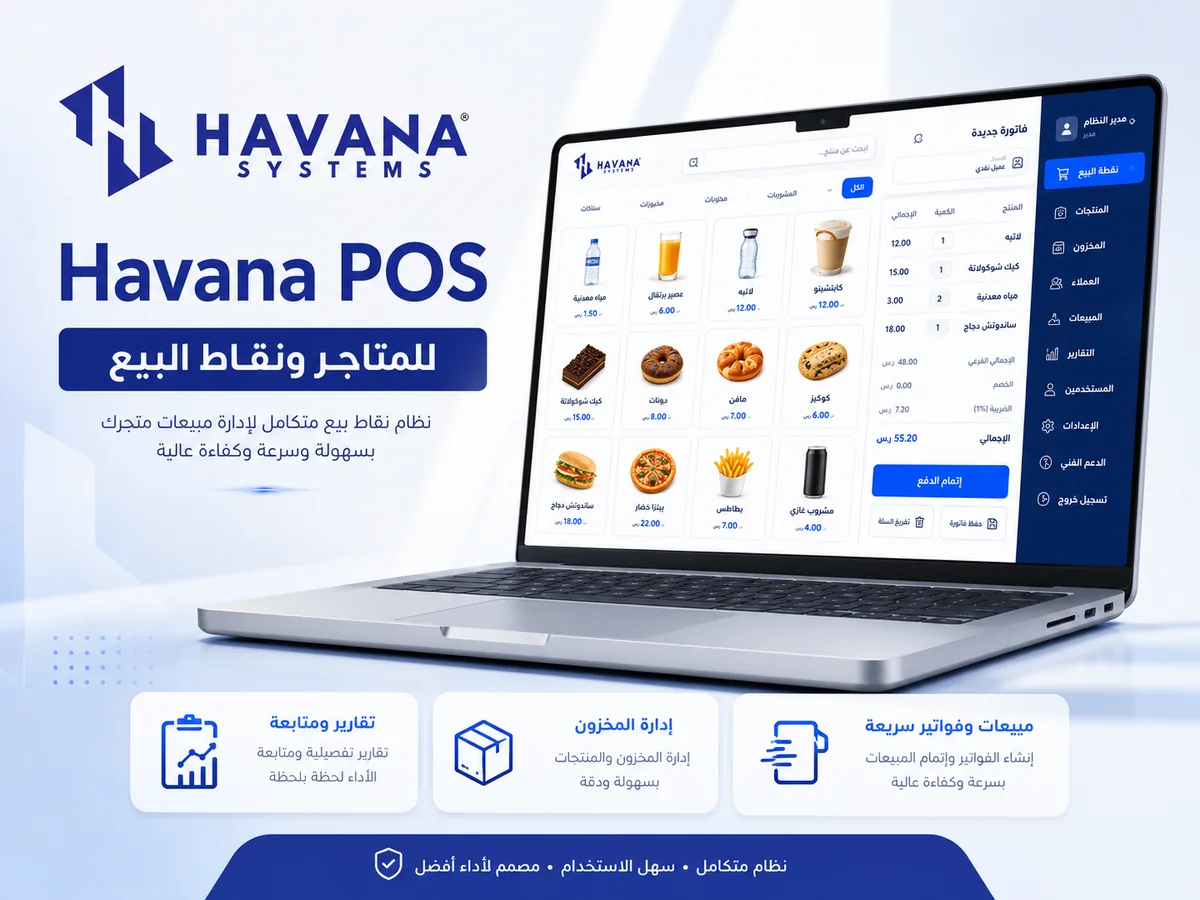 POS
POSRetail and point of sale
Havana POS
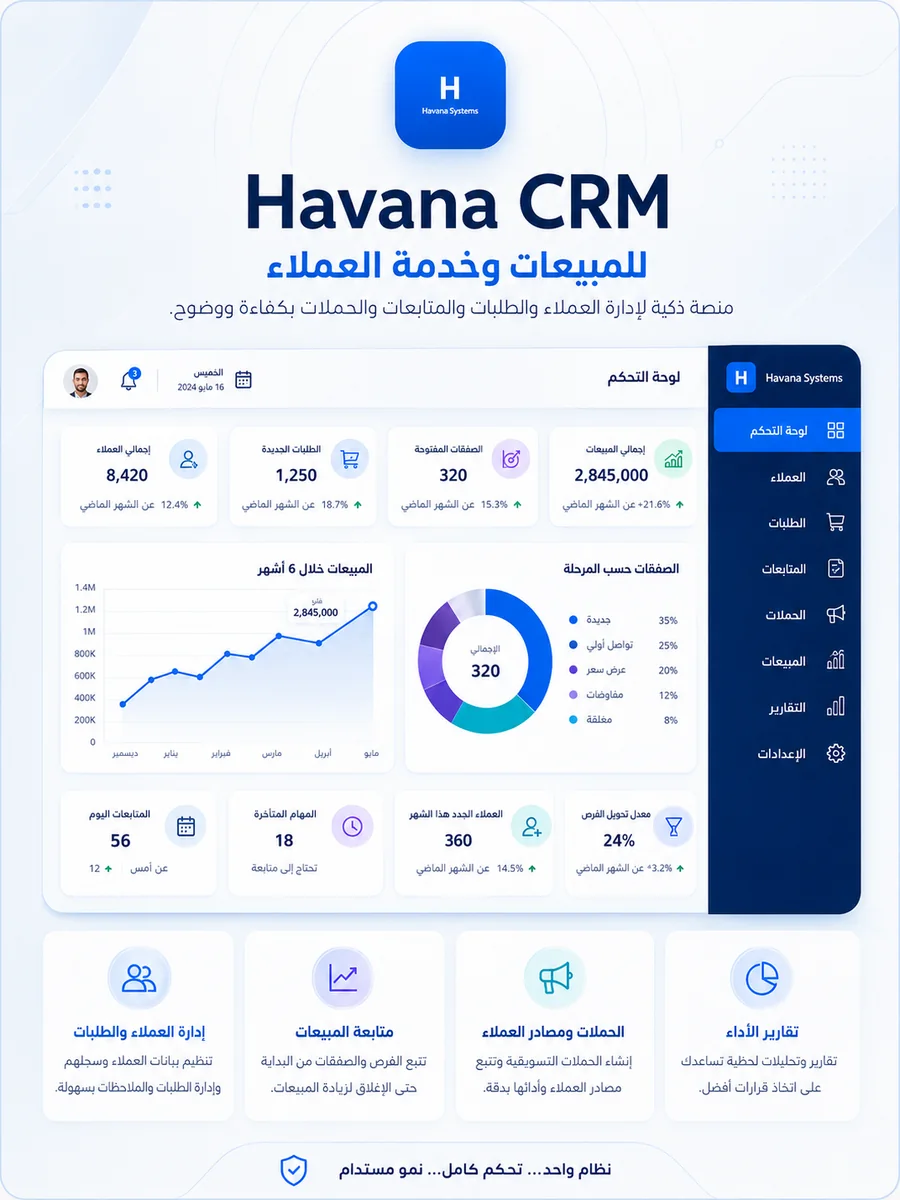 CRM
CRMSales and customer service
Havana CRM
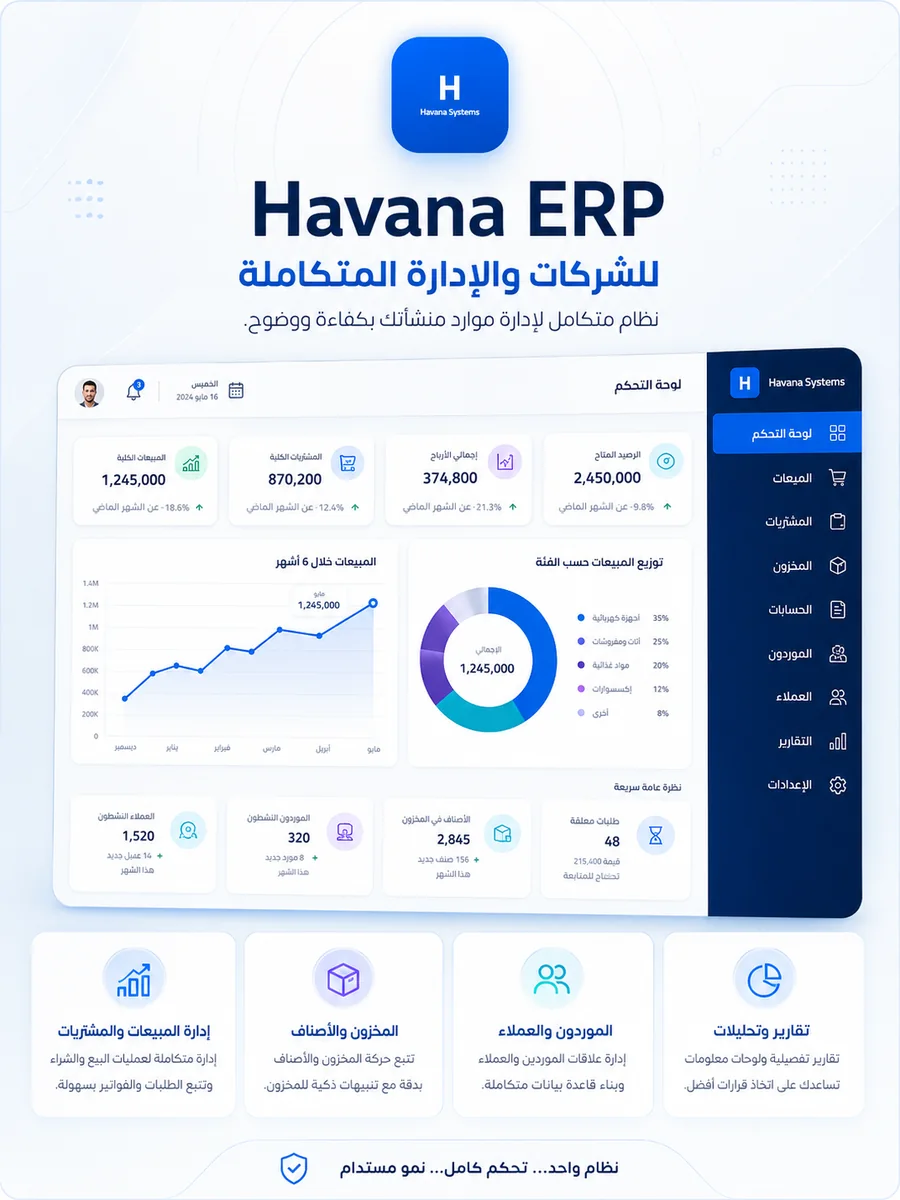 ERP
ERPIntegrated business operations
Havana ERP
Website and e-commerce development
Professional websites that present, sell and support growth
Company websites, portfolios, WooCommerce stores and booking or training platforms with responsive design and easy management.
Business websites
Professional service and portfolio presentation.
From 7,900 EGPView packages →E-commerce stores
Products, categories, cart, checkout and order management.
From 12,900 EGPOpen store demo →Booking and academy platforms
User accounts, bookings, courses and consultations.
From 18,900 EGPOpen training demo →Connected operations
One reliable source of information instead of multiple conflicting copies
When sales, customer and inventory workflows share the same operating logic, the team spends less time checking and correcting data.
Unified informationReduce repeated data entry across daily operations.
Clear permissionsEach user sees the tools and data relevant to their role.
Room to growAdd integrations, reports and custom workflows when required.
Live Demo Center
Explore POS, CRM and ERP from one link
Use the public demo environment to understand the workflow before discussing your own setup.
Open Demo CenterHow we work
A clear path from the first conversation to launch
A practical process keeps the scope visible and makes every stage easier to review.
Discovery and analysis
We understand the operation, goals and current bottlenecks before recommending a solution.
Planning and design
We define scope, user journeys, data structure and a clear implementation plan.
Build and testing
We develop the solution, review the details and test the key workflows carefully.
Launch and support
We prepare the team, launch the project and stay available for support and improvement.
Live demos
Explore the systems and websites before discussing your project
Open each demo in a new tab and review the structure, workflow and responsive experience.
Havana POS
Point of sale, invoices, shifts and inventory.
Open demo → CRM02Havana CRM
Customers, orders, follow-ups and sales performance.
Open demo → ERP03Havana ERP
Sales, purchasing, inventory, suppliers and reporting.
Open demo → STORE04Havana Store
A complete e-commerce storefront and checkout experience.
Open demo → ACADEMY05Training Platform
Portfolio, courses, consultations and online training.
Open demo →Compare the options
A practical partner, not only a ready-made page or isolated tool
The table is a general guide. Exact scope always depends on the provider and written agreement.
| Criteria | Havana Systems | Freelancer | Ready template | Large agency |
|---|---|---|---|---|
| Systems and websites from one provider | ✓ | ◐ | × | ◐ |
| Customization around the workflow | ✓ | ◐ | × | ✓ |
| Arabic interface and local support | ✓ | ◐ | ◐ | ◐ |
| Live demos before the decision | ✓ | ◐ | ✓ | ◐ |
| Clear scope and scalable options | ✓ | ◐ | ◐ | ✓ |
Local vs Cloud
Understand the difference before choosing how the system runs
Both options deliver the core system workflow. The difference is in deployment, payment, remote access and ongoing service.
From EGP 5,900
A one-time license installed in the client environment, designed for stable on-site operation.
- Client-controlled environment
- No permanent internet requirement for core work
- Optional maintenance after the included support period
From EGP 699 / month
A subscription that supports secure access from anywhere with hosting, backups and continuous updates.
- Access from branches and remote teams
- Hosting, SSL and scheduled backups
- Continuous updates while subscribed
| Comparison point | Local | Cloud |
|---|---|---|
| Payment | One-time license | Monthly or annual subscription |
| Where it runs | Inside the client environment | Hosted securely in the cloud |
| Internet dependency | Core work can continue without permanent internet | Internet connection is required |
| Remote access | Requires a separate secure setup | Available from anywhere with permission |
| Hosting and SSL | Not required for the local network | Included according to the selected plan |
| Backups | Managed by the client or an optional service | Scheduled backups according to the plan |
| Updates | According to the support or maintenance agreement | Continuous while the subscription is active |
| Expansion | Best for a stable on-site setup | Easier for branches, users and remote teams |
| Best suited for | One location, controlled network or unstable internet | Multiple branches, remote access and ongoing growth |
Use the calculator for a preliminary estimate, then we can review the operating environment with you.
Common questions
Before you choose a system
What is the difference between CRM, ERP and POS?
CRM focuses on customers and sales follow-up, ERP connects wider business operations, and POS handles checkout, invoices and retail stock.
Can the system be customized?
Yes. Fields, permissions, reports and integrations can be reviewed against your actual workflow.
Is there a demo before purchase?
Yes. The public Demo Center provides access to POS, CRM and ERP examples.
Do you build websites and e-commerce stores?
Yes. We build landing pages, company websites, portfolios, WooCommerce stores and booking or training platforms.
How long does implementation take?
Timing depends on scope and customization. The expected schedule is stated clearly in the quotation before work starts.
What happens after delivery?
We explain the workflow and define support, maintenance and update coverage according to the selected package or written agreement.
Organize. Control. Grow.